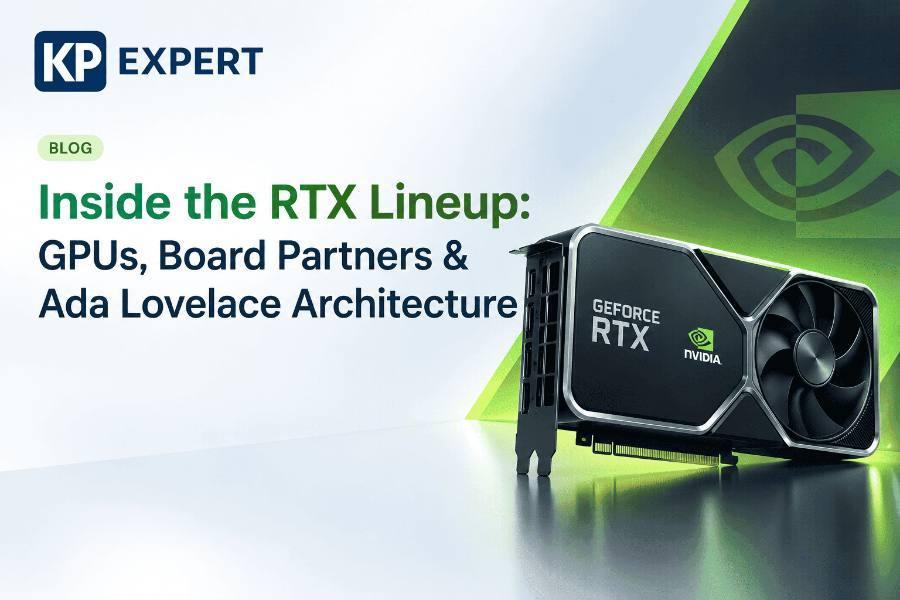
Inside the RTX Lineup: GPUs, Board Partners, and the Ada Lovelace Architecture
If you’ve ever landed on a GPU comparison page and felt like you needed an engineering degree to tell an RTX 4070 Ti Super from a plain RTX 4070 Ti, this guide is for you. We’ll walk through NVIDIA’s RTX generations, what actually changes between specific models, why the same GPU chip can come from five different manufacturers at five different prices, and what’s really happening inside the Ada Lovelace architecture that powers the current flagship lineup.
NVIDIA has shipped four GeForce RTX generations since ray tracing debuted in consumer graphics cards. Each one is built on a different underlying architecture, and each architecture name is worth knowing — you’ll see it constantly in spec sheets and reviews.
| Generation | Launch | Architecture | What Changed |
|---|---|---|---|
| RTX 20 Series | 2018 | Turing | First consumer ray tracing and Tensor Cores |
| RTX 30 Series | 2020 | Ampere | Major performance jump, 2nd-gen RT Cores |
| RTX 40 Series | 2022 | Ada Lovelace | 4th-gen Tensor Cores, DLSS 3, AV1 encoding |
| RTX 50 Series | 2025 | Blackwell | Current generation |
Here’s where things get confusing fast. A single generation can include a dozen different model names, and the differences between adjacent tiers are sometimes small and sometimes huge. This is the full RTX 40 series stack, ordered from entry-level to flagship:
| Card | Positioning |
|---|---|
| RTX 4050 | Entry-level, laptop-focused |
| RTX 4060 | Budget 1080p gaming |
| RTX 4060 Ti | 1080p–1440p gaming |
| RTX 4070 | 1440p gaming, solid all-rounder |
| RTX 4070 Super | Refreshed mid-generation, better value |
| RTX 4070 Ti | High 1440p / entry 4K |
| RTX 4070 Ti Super | Refreshed, closes the gap to the 4080 |
| RTX 4080 | 4K gaming |
| RTX 4080 Super | Refreshed 4080, better price-to-performance |
| RTX 4090 | Flagship — 4K/high-refresh and content creation |
Here’s something that trips up a lot of first-time GPU buyers: the same RTX 4080 chip can be sold under wildly different names, prices, and box designs. That’s because NVIDIA generally designs the chip itself, but doesn’t always build the final card.
| Founders Edition | Board Partner | OEM | |
|---|---|---|---|
| Who makes it | NVIDIA directly | MSI, ASUS, Gigabyte, and others | Dell, HP, Lenovo, etc. |
| Cooling & clocks | Reference design, baseline clocks | Custom coolers, often factory-overclocked | Matched to a specific pre-built system |
| Availability | Limited batches, sold directly by NVIDIA | Widest retail availability | Not sold standalone |
| Price | Reference MSRP | Varies — from near-MSRP to premium | Bundled into system price |
| Best for | Buyers who want the reference baseline | Most DIY builders and upgraders | Pre-built system buyers |
Board partners differentiate on things NVIDIA’s reference design doesn’t optimize for: cooling performance, clock speeds out of the box, physical size, RGB lighting, and warranty terms. Two RTX 4070s from two different partners can perform slightly differently and cost noticeably different amounts — even though the underlying GPU chip is identical.
The RTX 4090 is the flagship of the RTX 40 series, and it’s worth understanding in detail since it represents what the Ada Lovelace architecture can do at full scale.
| Spec | RTX 4090 |
|---|---|
| Architecture | Ada Lovelace |
| CUDA Cores | 16,384 |
| Memory | 24GB GDDR6X |
| Memory bus | 384-bit |
| TDP | 450W |
| RT Cores | 3rd-generation |
| Tensor Cores | 4th-generation |
| NVLink support | None — single-GPU only |
For gaming, the 4090 is overkill for anything below 4K — its performance advantage over the 4080 Super only really shows up at high resolutions and high refresh rates. For content creation and light AI work (local image generation, small model fine-tuning), the 24GB of VRAM is the more relevant number than raw core count, since running out of memory stops a job entirely rather than just slowing it down.
Whichever RTX 40 series card you’re looking at, they’re all built on the same underlying architecture. Here’s what’s actually on the chip:
- CUDA Compute Capability 8.9 — the version identifier that tells software (and developers) which GPU features are available.
- 4th-generation Tensor Cores — with FP8, FP16, bfloat16, and TensorFloat-32 support, plus sparsity acceleration. These are what power DLSS 3’s AI frame generation.
- 3rd-generation RT Cores — dedicated ray-tracing hardware, now with concurrent ray tracing, shading, and compute happening at the same time.
- Shader Execution Reordering (SER) — a scheduling optimization that has to be specifically enabled by game developers to take effect; it isn’t automatic.
- Dual NVENC encoders — supporting 8K 10-bit encoding at 120fps using the AV1 codec, a big deal for streamers and video editors.
- 8th-generation NVENC / 5th-generation NVDEC — the dedicated encode/decode hardware, separate from the main CUDA cores.
Once you’ve got the card, three pieces of NVIDIA software are worth knowing:
| Tool | What It's For |
|---|---|
| NVIDIA Control Panel | The classic Windows utility for configuring driver settings, display setup, and 3D/game-specific performance options. |
| NVIDIA App | The newer, streamlined tool for installing drivers, optimizing per-game settings automatically, and in-game recording/overlay tools. |
| nvidia-smi | A command-line utility (bundled with the driver) for monitoring GPU utilization, memory usage, temperature, and power draw — mainly relevant if you're doing compute work, not just gaming. |
For most gamers, the NVIDIA App has become the primary tool day-to-day, with the Control Panel still available for deeper manual configuration. If you’re using your RTX card for any local AI or compute work, nvidia-smi becomes genuinely useful for keeping an eye on VRAM usage and temperatures.
A quick note on MIG
You may come across MIG (Multi-Instance GPU) in NVIDIA’s documentation — it lets a single GPU be split into multiple fully isolated instances, each acting like a separate device. This is a data-center feature (available starting with the Ampere generation) built for server GPUs like the A100, not something you’ll use on a GeForce card. It’s worth knowing the term exists, but it doesn’t factor into a consumer buying decision.
Recap: what to take away
- The "Super" and "Ti" suffixes tell you whether a card is a mid-generation refresh, a higher tier, or both — not a totally separate product line.
- Founders Edition, board partner cards, and OEM cards can all use the identical GPU chip — the differences are in cooling, clocks, and price, not the silicon itself.
- The RTX 4090 leads the pack on CUDA cores and VRAM, but its advantage over the 4080 Super mostly matters at 4K and above.
- Ada Lovelace's real upgrades are 4th-gen Tensor Cores (DLSS 3), 3rd-gen RT Cores, and AV1 encoding — not raw double-precision compute, which stays deliberately limited on consumer cards.