If you've tried to build an AI-powered search feature or chatbot recently, you've probably run into the same wall everyone else does. Your business data sits in relational tables. The knowledge your LLM actually needs — PDFs, support tickets, product manuals, old email threads — sits somewhere else entirely. So you end up duct-taping together a relational database, a vector store, and some kind of retrieval layer, and hoping the sync between them never breaks.
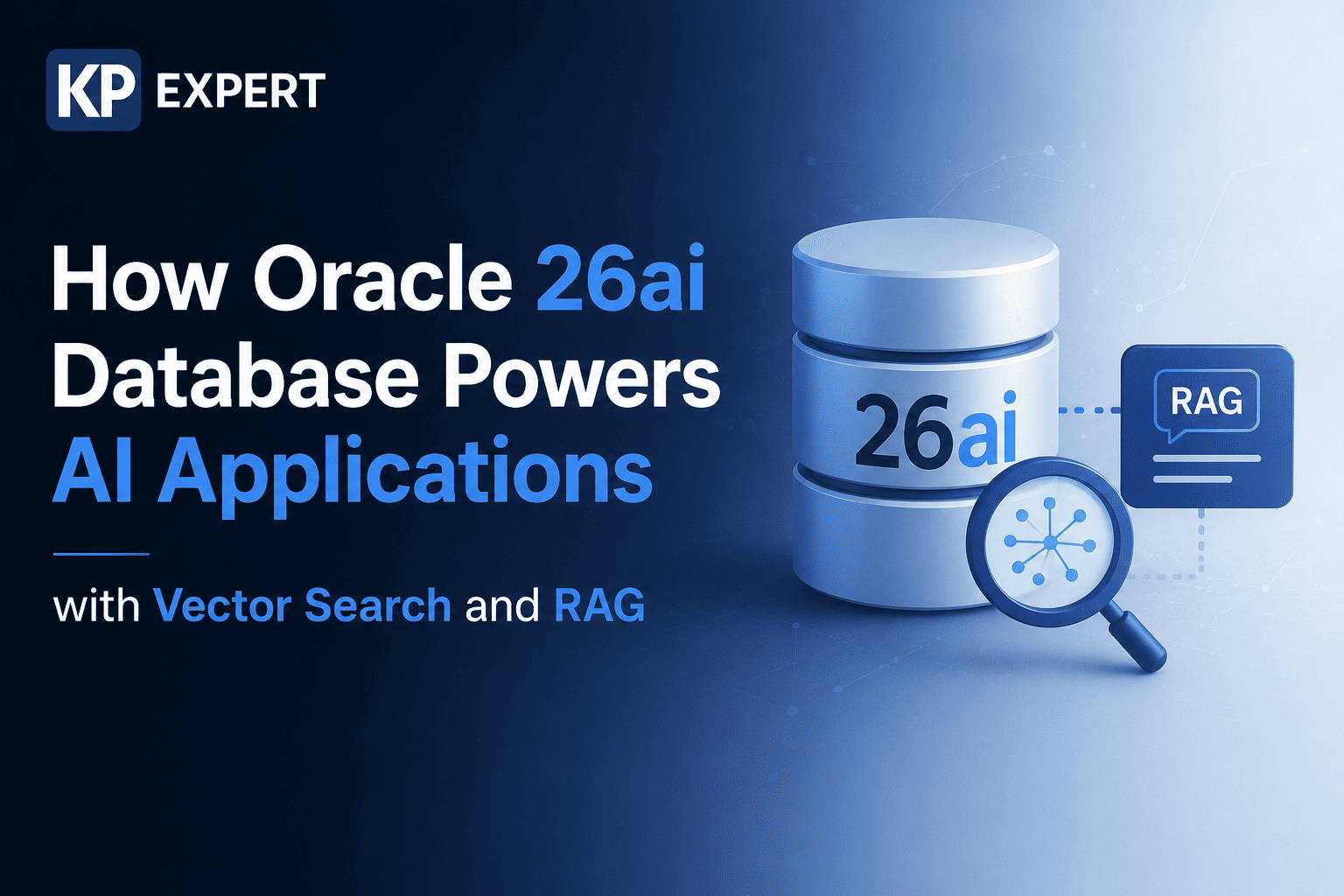
Oracle 26ai Database takes a different approach. It builds vector storage, similarity search, and retrieval-augmented generation (RAG) straight into the database engine, so structured business data and unstructured semantic search can be queried together in one SQL statement. That's the whole pitch, really. This piece covers what Oracle 26ai Database actually is, how Oracle AI Vector Search works under the hood, how it plugs into RAG pipelines for LLMs, and where it stands next to dedicated vector databases like Pinecone and Milvus.
What is Oracle 26ai Database?
Oracle 26ai Database — you'll also see it called Oracle AI Database 26ai — is Oracle's newest converged database platform, and it builds directly on groundwork laid by Oracle Database 23ai. 23ai is where the native VECTOR data type and the first round of AI Vector Search showed up. 26ai takes that further, spreading AI capabilities across several areas at once: vector search, database management, data development, application development, and analytics.
Put simply, Oracle 26ai Database wants to be one AI-native data platform — relational tables, JSON documents, spatial data, graph data, and vector embeddings all living together, queryable through plain SQL. That's really the whole idea behind the "Oracle AI Database" branding: the AI isn't bolted on as a separate layer, it's woven into the database itself.
Why AI Applications Need Modern Databases
Traditional databases were designed for exact matches — a customer ID, an order number, a specific date. AI applications need something else. When a customer types "why did my payment fail," you want the system to surface an article titled "troubleshooting declined transactions," even though not one word overlaps between the two.
That gap is exactly what semantic search and vector embeddings close. But there's more to it than just matching meaning. AI applications also need low-latency similarity search across huge document sets, the ability to layer in structured filters like date range or customer tier, real governance and auditability (since a lot of this data is sensitive), and some way of keeping the vectors in sync with the actual source records. Asking a team to run a general-purpose relational database and a separate vector store just to cover those bases gets expensive fast — which is basically the gap Oracle Database for AI workloads is built to close.
What is Oracle AI Vector Search?
Oracle AI Vector Search is the part of Oracle 26ai Database that lets you store, index, and query embeddings natively, using regular SQL. Instead of exporting your data somewhere else to run similarity search, you generate embeddings for text, images, or audio, drop them into a table next to the original record, and query that table directly.
It searches both structured and unstructured data — by meaning and by exact value — which is what makes more advanced AI search applications possible in the first place. The goal is to help LLMs give more accurate, contextually grounded answers by pulling from your own enterprise data through RAG, rather than leaning entirely on whatever the model happened to learn during training.
One thing worth understanding early: Oracle Vector Search isn't replacing relational search, it's extending it. A single query can mix vector similarity with joins, JSON filters, text search, and spatial conditions, all in the same statement.
Understanding Vector Embeddings
Vector embeddings are just numbers — a machine learning model turns a word, sentence, document, or image into a list of numbers that captures something about its meaning. Two pieces of content with similar meaning end up with embeddings that sit close together in that numerical space, even when the actual words don't overlap at all.
Oracle 26ai Database stores these using its native VECTOR data type, which is flexible enough to handle different dimension counts and formats. Practically, that means you're not locked into one embedding model or one vendor's format — you can pick whatever fits your use case, whether that's a general-purpose text model or something trained on your specific domain.
As for how you actually generate the vectors, Oracle gives you a few routes: load an embedding model in ONNX format and generate vectors in-database through DBMS_VECTOR, call out to an external embedding service (NVIDIA NIM containers included), or just import vectors you've already generated somewhere else. Once they're stored, they behave like any other column — you can query them, index them, join on them.
What is Retrieval-Augmented Generation (RAG)?
RAG is, at its core, a way of making LLM answers more trustworthy. Rather than letting the model answer purely from what it learned during training, the application first searches a knowledge base for the most relevant passages — usually via vector similarity — and hands those passages to the LLM as context before it generates a response.
The reason this matters: raw LLMs have two persistent problems, outdated knowledge and hallucination. Grounding answers in retrieved, verifiable content helps with both. A typical Oracle RAG loop goes something like this — embed the user's question, pull the closest matching vectors, assemble them into a context window, then send that off to the LLM for the final answer.
How Oracle 26ai Database Supports RAG
What makes Oracle 26ai Database a solid fit for RAG is that it can host the entire pipeline in one place, rather than spreading it across three or four systems. Source documents and their text chunks sit in ordinary tables. Chunks get converted into vectors using either in-database ONNX models or an external embedding API. Those vectors get stored in a VECTOR column and indexed for fast approximate search. At query time, the user's question gets embedded and compared against everything stored, using SQL-based similarity search. Finally, the retrieved context plus the original question goes to an LLM, which produces the answer.
Because retrieval and business logic sit in the same database, you can filter retrieved content by access permissions, business unit, or record status right inside that same query — something that's a lot harder to pull off cleanly when your vectors live in a completely separate, disconnected system. Oracle also lets you orchestrate parts of this agentic workflow inside the database itself, which keeps governance controls intact instead of pushing that logic out to some external pipeline you have to secure separately.
Oracle AI Vector Search Architecture
At a high level, a few pieces make up the Oracle AI Vector Search architecture. The VECTOR data type stores embeddings inline with relational rows. Vector indexes — things like HNSW (Hierarchical Navigable Small World) and IVF (Inverted File) — make approximate nearest-neighbor search fast even at large scale. Distance functions measure how similar two vectors are; you've got cosine similarity, Euclidean distance, dot product, and Manhattan (L1) distance to choose from depending on your embedding model. The DBMS_VECTOR package gives you PL/SQL APIs for generating embeddings and handling vector operations. And unified hybrid search ties it all together, letting vector similarity combine with relational, text, JSON, and graph search in a single query.
Oracle 26ai also adds binary and sparse vector formats on top of the standard float vectors, which can shrink storage footprint and speed up distance calculations noticeably at scale.
Oracle 26ai AI Features Explained
Vector search gets most of the attention, but Oracle 26ai AI Features go well beyond it. On the application development side, there's the native VECTOR type, in-database embedding generation, and Select AI, which turns natural-language questions into SQL. On the data development side, data annotations describe what your columns and tables actually mean, which helps AI tools and LLMs make sense of your schema. Database management gets AI-driven query optimization that improves execution plans and resource usage without a DBA having to intervene manually. Analytics benefits from tighter integration between vector search and analytical SQL, so you can run similarity search right alongside aggregations. And on top of all that, there's converged data support — JSON-relational duality, property graphs, and vector search all working on the same record, whether you're querying it relationally, as JSON, or semantically.
Taken together, these features push Oracle 26ai toward being a general foundation for enterprise AI, not just a place to park embeddings.
Step-by-Step Workflow
Here's roughly what building an Oracle AI Vector Search pipeline looks like in practice:
Ingest your source documents — PDFs, articles, support tickets — into a staging table.
Chunk the text into passages that are small enough to stay meaningful.
Generate embeddings for each chunk, either with an ONNX model in-database or an external embedding service.
Store those embeddings in a VECTOR column alongside the chunk text and any metadata.
Build a vector index — HNSW is the common choice — to speed up similarity search.
At query time, embed the user's question and run similarity search against the indexed table.
Layer in relational filters where needed — department, date, permission level, whatever applies.
Send the retrieved results to an LLM to generate the final, grounded response.
SQL Examples
Creating a table with a vector column:
CREATE TABLE documents (
  id NUMBER PRIMARY KEY,
  content CLOB,
  embedding VECTOR(768, FLOAT32)
);
Running a similarity search:
SELECT id, content
FROM documents
ORDER BY VECTOR_DISTANCE(embedding, :query_vector, COSINE)
FETCH FIRST 5 ROWS ONLY;
Combining semantic search with a relational filter:
SELECT id, content
FROM documents
WHERE department = 'SUPPORT'
ORDER BY VECTOR_DISTANCE(embedding, :query_vector, COSINE)
FETCH FIRST 10 ROWS ONLY;
Notice what's happening here — semantic similarity and relational logic in the same statement, no external service calls required. That's really the whole point of Oracle AI SQL.
Oracle AI Vector Search Use Cases
The use cases span a lot of ground. Internal support teams use it for knowledge base and document retrieval. Customer support chatbots lean on it to answer questions grounded in actual product documentation instead of guessing. E-commerce teams use semantic product search to match shopper intent rather than exact keyword strings. Recommendation engines find similar items, articles, or media based on embedding proximity. Fraud teams compare transaction patterns for similarity to catch anomalies. In healthcare and life sciences, organizations have paired AI Vector Search with Autonomous Database to speed up disease identification and sharpen diagnostic accuracy. And for natural-language BI, Select AI lets people ask plain-English questions and get back SQL queries run against live data.
Oracle 26ai vs Traditional Search
Traditional keyword and full-text search relies on literal word matches, synonym lists, and stemming rules. It falls apart the moment a user's phrasing doesn't line up with the document's actual vocabulary. Oracle 26ai's semantic search works differently — a query about "cancelling a subscription" can still surface a document titled "how to end your membership," because their embeddings land close together in vector space, regardless of the words used.
The real advantage isn't that one approach beats the other — it's that you don't have to pick. A single query can blend keyword filters, structured conditions, and vector similarity, and rank results by a mix of exact relevance and semantic closeness. Most standalone search engines can't do that without bolting on an entirely separate system.
Oracle 26ai vs PostgreSQL pgvector vs Pinecone vs Milvus
| Capability | Oracle 26ai Database | PostgreSQL + pgvector | Pinecone | Milvus |
|---|---|---|---|---|
| Native vector type in a general-purpose RDBMS | Yes | Yes (extension) | No (dedicated vector DB) | No (dedicated vector DB) |
| Combines vectors with relational/JSON/graph in one query | Yes, natively | Partial, via extensions | No | No |
| In-database embedding generation | Yes (ONNX, DBMS_VECTOR) | No (external only) | No | No |
| Enterprise governance, security, auditability | Deep, built into the RDBMS | Depends on your Postgres setup | Managed service controls | Managed/self-hosted controls |
| Best fit | Enterprises wanting one converged AI data platform | Teams already on Postgres adding vector support | Teams wanting a dedicated, managed vector store | Teams needing large-scale, open-source vector infrastructure |
The trade-off comes down to this: dedicated vector databases like Pinecone and Milvus are built purely for vector workloads, so they can be quicker to spin up for a greenfield AI project. Oracle 26ai and Postgres with pgvector go the other direction — keeping vectors sitting right next to the transactional data they describe, which cuts down on duplication, sync headaches, and governance gaps. For regulated industries especially, that trade-off tends to matter a lot.
Best Practices
Chunk your documents thoughtfully — go too big and you dilute the semantic meaning, go too small and you lose context. Pick a distance function that actually matches how your embedding model was trained; cosine, Euclidean, and dot product aren't interchangeable. Lean on approximate indexes like HNSW for anything at scale rather than exact search — you give up a sliver of accuracy for a big speed gain. Store metadata like source, permissions, and timestamps alongside the vectors, so retrieval can filter results, not just rank them. Re-embed your content whenever you switch embedding models, since old and new vectors aren't directly comparable. And keep an eye on index build parameters — cranking up accuracy settings costs you build time and memory.
Common Challenges
A few things tend to trip people up. Vectors are big, so storage and memory overhead need real capacity planning, especially at scale. The quality of your semantic search rides entirely on your embedding model choice — a weak model gives weak results no matter how well you've tuned the database. There's an inherent trade-off between latency and accuracy, since approximate nearest-neighbor indexes are fast but can occasionally miss the true best match. Embeddings also go stale as source documents change, so you need a process for regenerating them. And query complexity climbs fast once you're combining vector similarity with several relational filters — it takes some care to keep performance predictable.
Performance Tips
Tune HNSW parameters — connections per node, construction quality — to balance search speed against recall for your specific dataset. Use binary or sparse vector formats where they're supported; they cut storage size and speed up distance math for large collections. Pre-filter with relational predicates before running vector similarity whenever you can, so you're not comparing against the entire table. Batch your embedding generation jobs rather than generating vectors one row at a time during live traffic. And benchmark against your actual data and query patterns instead of just trusting vendor defaults — real workloads rarely match the demo.
FAQs
What is Oracle 26ai Database used for?
It's a converged, AI-native database that handles transactional workloads, analytics, and AI applications — semantic search and RAG included — all in one platform.
Is Oracle AI Vector Search the same as a vector database?
Not quite. It brings vector database capabilities into a general-purpose Oracle Database, so you skip the need for a separate, standalone vector store.
Can Oracle 26ai Database generate embeddings itself?
Yes — using ONNX models loaded into the database, or by calling out to external embedding services through DBMS_VECTOR.
What is RAG and why does it matter for enterprises?
It pairs retrieval of trusted enterprise data with LLM generation, which cuts down on hallucination and keeps answers grounded in current, verifiable content.
How does Oracle 26ai compare to Pinecone or Milvus?
Oracle 26ai keeps vector search integrated with your existing relational data and governance model, while Pinecone and Milvus are dedicated vector databases built purely for vector workloads.
Do I need to migrate from Oracle 23ai to use these features?
A lot of the AI Vector Search groundwork started in Oracle Database 23ai, but Oracle supports direct upgrades to 26ai — you don't need to pass through 23ai first.
Conclusion
Oracle 26ai Database marks a real shift in how enterprises can approach building AI applications. Between the native VECTOR data type, in-database embedding generation, flexible indexing, and unified hybrid search — layered on top of a relational engine that's been battle-tested for decades — it removes the need to run a separate vector database next to your core business data.
For teams building semantic search, enterprise chatbots, or full RAG pipelines, Oracle AI Vector Search gives you a governed, SQL-native path from raw documents to grounded LLM answers, all inside the same Oracle Database for AI that already holds your transactional data. As these AI features keep expanding across the 26ai platform, there's a solid case for treating the database itself as the foundation of your AI stack — not an afterthought bolted on once everything else is built.