Any organization running a mission-critical database eventually runs into the same wall: the infrastructure underneath it has to keep up in terms of performance, scale, security, and uptime, all at once. This is exactly why Oracle Exadata Database Machine has earned its reputation — it's not just hardware and not just software, but an engineered combination of both, purpose-built for Oracle workloads.
At the center of that engineering sit the Compute Nodes. Storage servers take care of storing the data and running Smart Scan operations, but it's the compute nodes that actually run the Oracle Database instances, coordinate Oracle Real Application Clusters (Oracle RAC), process SQL, manage transactions, and carry the application workload itself.
If you're an Oracle DBA, a systems administrator, a cloud engineer, a solutions architect, or simply studying for an Oracle certification, getting a real handle on Oracle Exadata Compute Node Architecture is worth the time. Below, we'll walk through the architecture itself, the components that make it up, how it actually behaves under load, how it talks to storage servers, and what you can do to get the most out of it.
What Is an Oracle Exadata Compute Node?
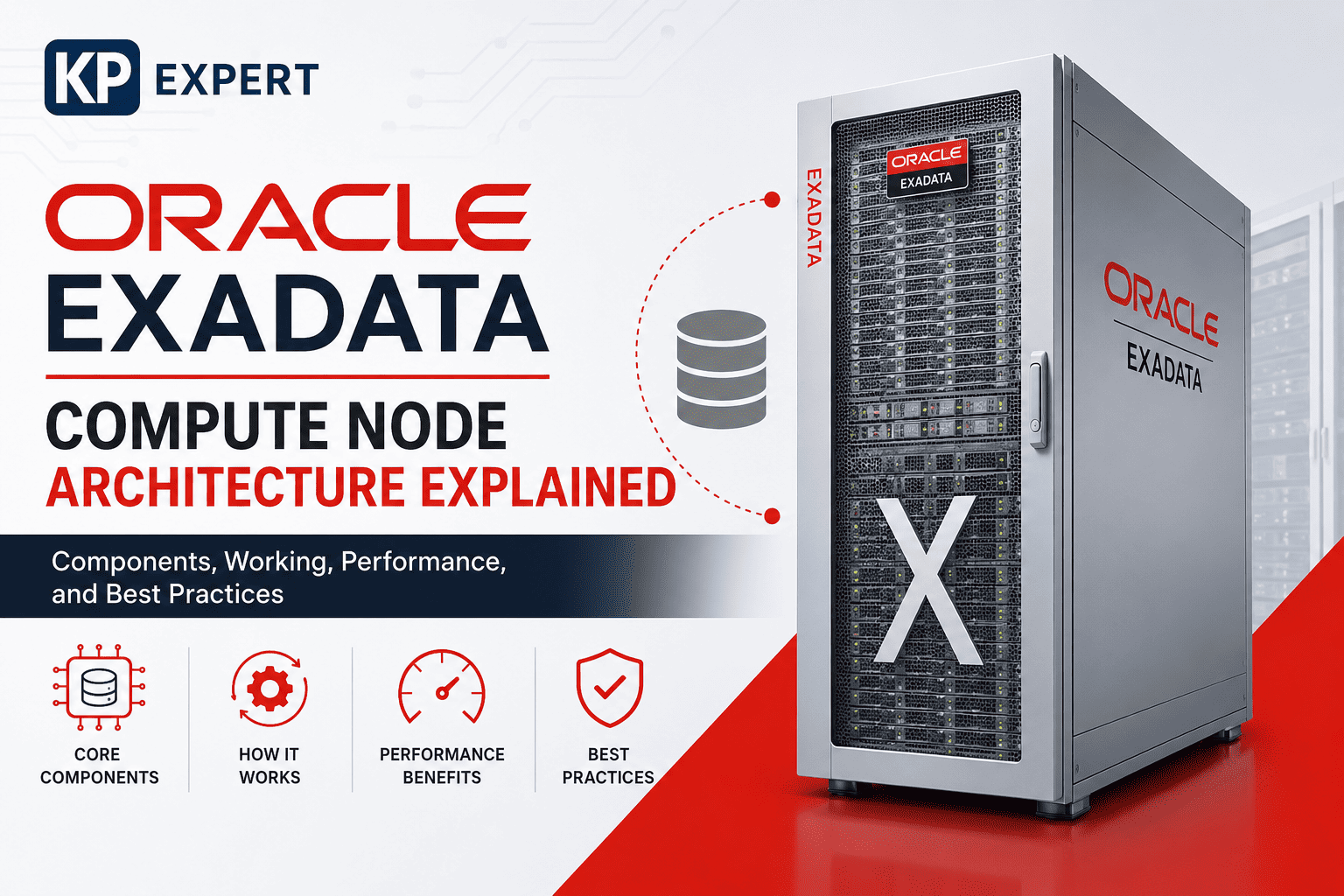
Put simply, an Oracle Exadata Compute Node is a dedicated database server that lives inside the Oracle Exadata Database Machine. Its job list is fairly long, but it boils down to:
- Running Oracle Database
- Running Oracle RAC instances
- Executing SQL statements
- Managing transactions
- Processing PL/SQL
- Handling user sessions
- Coordinating with Storage Servers
- Communicating with Clusterware
- Managing memory and CPU resources
A useful way to picture it: the compute node is the brain of the system, and the storage servers are the engine that actually moves the data.
Oracle Exadata Database Machine Architecture
A standard Oracle Exadata deployment is built from several moving pieces working together:
- Compute Nodes
- Storage Servers
- High-Speed RoCE Network
- Management Network
- Client Network
- Oracle Linux
- Oracle Grid Infrastructure
- Oracle ASM
- Oracle RAC
- Oracle Database
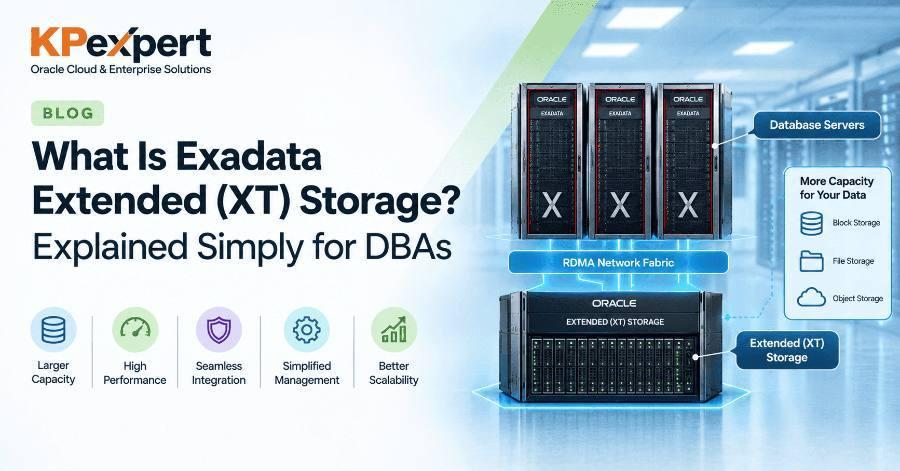
What makes this combination work well in practice is the network linking compute nodes to storage servers — it's low-latency and high-bandwidth by design, which is what allows features like Smart Scan, Hybrid Columnar Compression, Storage Indexes, and intelligent data offload to actually deliver on their promise instead of just being marketing terms.
Major Components of an Oracle Exadata Compute Node
1Physical Hardware
Every compute node ships with enterprise-grade hardware chosen specifically for database workloads rather than general-purpose computing. You'll typically find:
- Multi-core Intel or AMD processors (the exact mix depends on which Exadata generation you're on)
- A generous amount of RAM
- NVMe flash devices for local operations
- High-speed network adapters
- Redundant power supplies
- A remote management controller
- High-speed PCIe buses
None of this is accidental — it's this combination that gives Exadata the throughput and low latency it's known for.
2CPU Architecture
Modern compute nodes bring serious CPU horsepower to the table:
- Dozens to hundreds of cores
- Multi-threading support
- Large cache memory
- High clock speeds
- NUMA optimization
That processing power gets shared across several consumers at once — Oracle Database, Oracle RAC, background processes, active user sessions, and parallel SQL execution all compete for the same CPU resources, which is one reason CPU monitoring matters so much on these systems.
3Memory Architecture
Memory is arguably where a lot of Oracle's performance magic actually happens. On the compute node, you'll find:
- SGA (System Global Area)
- PGA (Program Global Area)
- Database Buffer Cache
- Shared Pool
- Large Pool
- Java Pool
- Streams Pool
The more memory available, the more data can stay cached in RAM rather than being re-read from disk — and fewer physical I/O operations generally means faster queries.
4Operating System
Oracle Exadata Compute Nodes run on Oracle Linux, which isn't a coincidence. Oracle has spent years tuning this OS specifically for Exadata, and it shows up in areas like:
- Resource management
- Process scheduling
- Security
- Kernel optimization
- NUMA awareness
- Network optimization
5Oracle Grid Infrastructure
Grid Infrastructure is the glue that holds the cluster together. It includes:
- Oracle Clusterware
- Oracle ASM
- Cluster Synchronization Services
- Voting Disks
- OCR
Together, these pieces handle node membership, cluster management, automatic failover, and ongoing resource monitoring — the kind of unglamorous work that keeps everything running when something goes wrong.
6Oracle RAC
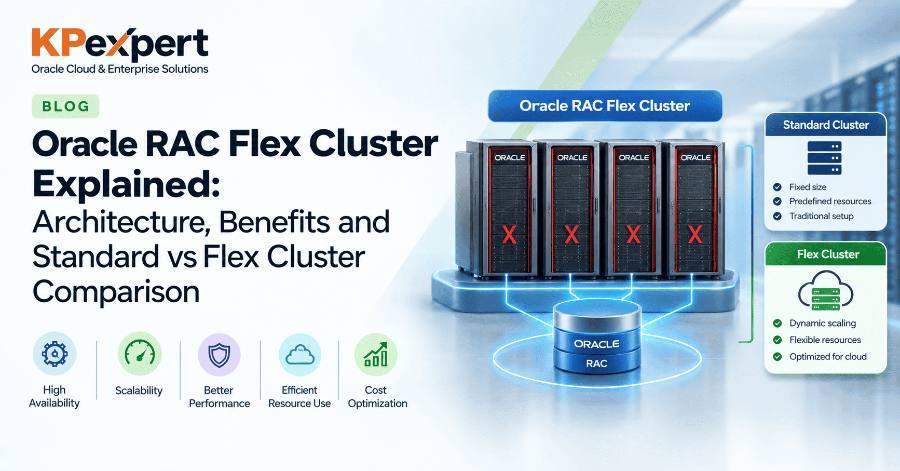
Most production Exadata systems run Oracle RAC, and for good reason. It brings:
- Active-active architecture
- Horizontal scalability
- High availability
- Load balancing
- Automatic failover
In practice, each compute node usually hosts one Oracle RAC instance.
7Oracle ASM
Oracle ASM is responsible for how data actually gets laid out across storage:
- Disk Groups
- Data placement
- Striping
- Mirroring
- Storage balancing
Even though the physical disks live on the Storage Servers, ASM itself is coordinated from the compute nodes.
Oracle Exadata Compute Node Software Stack
If you strip the software stack down to its layers, it looks something like this, from top to bottom:
Each layer has a job to do, and each one contributes something toward the overall performance, scalability, and resilience of the system — drop one out and the whole stack feels it.
How Compute Nodes Communicate with Storage Servers
This communication path is arguably where Exadata earns its keep. Here's roughly how a query moves through the system:
- A client submits a SQL statement.
- Oracle Database parses the query.
- An execution plan gets generated.
- The required data blocks are requested.
- Storage Servers run a Smart Scan where it applies.
- Filtered data comes back to the compute node.
- The compute node finishes executing the SQL.
- Results go back out to the application.
Because so much of the filtering happens on the storage side before data ever crosses the network, far less unnecessary data gets moved — and that's a big part of why Exadata query performance holds up so well under load.
Networking Architecture
Compute nodes actually rely on more than one network to do their job:
Handles application traffic, SQL connections, and general client requests.
Carries the RAC interconnect, Cache Fusion traffic, and general cluster communication. On newer systems, this runs over RDMA over Converged Ethernet (RoCE), which cuts latency dramatically compared to older interconnects.
Used for monitoring, administration, patching, and diagnostics.
SQL Execution Flow
A typical SQL statement's journey through the system looks like this:
The whole point of this flow is to avoid dragging unnecessary data across the wire, which is exactly what shortens response times in the real world.
Oracle Background Processes Running on Compute Nodes
A handful of Oracle background processes do most of the heavy lifting behind the scenes:
- DBWn
- LGWR
- CKPT
- SMON
- PMON
- ARCn
- MMON
- MMAN
- RECO
- CJQ0
Between them, these processes cover database operations, crash recovery, memory management, checkpointing, redo logging, and job scheduling.
High Availability Features
Exadata compute nodes are built with the assumption that hardware eventually fails, and the architecture plans around it:
- Oracle RAC
- Automatic node failover
- Redundant networking
- Redundant power supplies
- Clusterware monitoring
- ASM redundancy
- Rolling patching
- Online maintenance
If a compute node goes down, Oracle RAC shifts the workload over to the surviving nodes automatically — ideally without anyone outside the ops team even noticing.
Performance Optimization Features
A few features consistently show up when people talk about why Exadata performs the way it does:
- Parallel Query
- Smart Scan integration
- In-Memory Database support
- HugePages
- NUMA optimization
- CPU Resource Manager
- Flash acceleration
- Intelligent I/O routing
Together, these give Exadata the flexibility to handle both heavy OLTP traffic and analytics workloads well, rather than being tuned for just one or the other.
Best Practices
A few habits go a long way toward keeping an Exadata environment healthy over time:
- Keep Exadata software and firmware current.
- Use Oracle RAC for high availability.
- Configure HugePages correctly — this one trips up more environments than it should.
- Monitor CPU, memory, and I/O on a regular basis, not just when something breaks.
- Keep ASM Disk Groups balanced.
- Stick to Oracle's recommended patching cadence.
- Turn on Resource Manager to prioritize workloads sensibly.
- Use Oracle Enterprise Manager for day-to-day monitoring.
- Actually test backups and recovery procedures, not just schedule them.
- Plan capacity ahead of growth instead of reacting to it.
Common Use Cases
This architecture tends to show up wherever the workload is large, critical, or both:
- Large OLTP databases
- Enterprise Resource Planning (ERP)
- Banking systems
- Financial services
- Healthcare applications
- Telecommunications
- Government databases
- Data Warehousing
- AI and Machine Learning workloads
- Mixed OLTP and analytics environments
Compute Node vs. Storage Node
| Feature | Compute Node | Storage Node |
|---|---|---|
| Primary Role | Runs Oracle Database instances | Stores database files |
| SQL Execution | Yes | Partial (Smart Scan Offload) |
| Oracle RAC | Yes | No |
| Oracle ASM | Yes (management) | Provides storage |
| User Sessions | Yes | No |
| Memory Usage | SGA/PGA | Storage caching |
| Background Processes | Yes | No |
| Data Storage | Minimal local | Primary database storage |
Frequently Asked Questions
What is an Oracle Exadata Compute Node?
It's a dedicated database server that runs Oracle Database, Oracle RAC, and application workloads inside the Exadata Database Machine.
Does the Compute Node store database data?
Not really — primary database files live on the Exadata Storage Servers. The compute node mainly uses its own memory and local resources for processing.
Can Compute Nodes be scaled?
Yes. You can add more compute nodes to increase processing capacity and support larger RAC clusters as demand grows.
What operating system runs on Exadata Compute Nodes?
Oracle Linux, tuned specifically by Oracle for Exadata workloads.
Why is RoCE important in Exadata?
Because it gives you ultra-low-latency communication between compute and storage nodes, which directly improves RAC Cache Fusion and Smart Scan performance.
Conclusion
Oracle Exadata Compute Node Architecture is really the processing backbone of the whole Exadata Database Machine. Bring together capable hardware, a tuned Oracle Linux base, Oracle Grid Infrastructure, Oracle RAC, ASM, and a well-designed network, and you get compute nodes that can deliver the speed, scale, and resilience enterprise databases actually need.
Pair that with Exadata Storage Servers, Smart Scan, and RDMA over Converged Ethernet (RoCE), and organizations get a platform that can run mission-critical Oracle workloads with strong performance, high availability, and — importantly — manageable day-to-day operations. For anyone designing, deploying, or managing Oracle Exadata environments, understanding this architecture isn't optional; it's foundational.